
How to Search for a Warrant in Saluda County
No single South Carolina public site searches every warrant. Start with the court on the paper, then use the state case or ticket tools for records they cover. Saluda’s Sheriff page has a phone number but no warrant roster or name-search form.
Use a full name and date of birth, plus the case or citation number and approximate court date when known. Online results can be delayed or limited by court and record status. If the question involves a possible arrest warrant, ask an attorney how to confirm it safely.
- Read the notice to identify the issuing court and its case number.
- For General Sessions or Family Court, call the Clerk of Court at (864) 445-4500. For county traffic or summary matters, call Central Court at the same number.
- For Town of Saluda cases, call Municipal Court at (864) 445-3522. No separate Ridge Spring or Ward warrant portal was located.
- Search the Saluda Public Index for a court case or the state traffic tool for a supported citation.
- Call the Sheriff at (864) 445-2112 for county service questions. If records remain unclear, request existing records through county FOIA and ask the issuing court to confirm status.
Saluda County Warrant Search Has Local Gaps
The Public Index is a case-record system. It is not a live warrant database, and the county sheriff page does not publish an active list. A result may be missing because the matter is in a lower court, was entered recently, or is sealed or otherwise restricted.
The official South Carolina public-access notice says online court information may be incomplete or out of date. Use the record to locate the case, then call the court that issued the process. Do not treat an empty result as a clearance.
The screenshot below shows the Saluda case-search landing page, not a warrant roster.
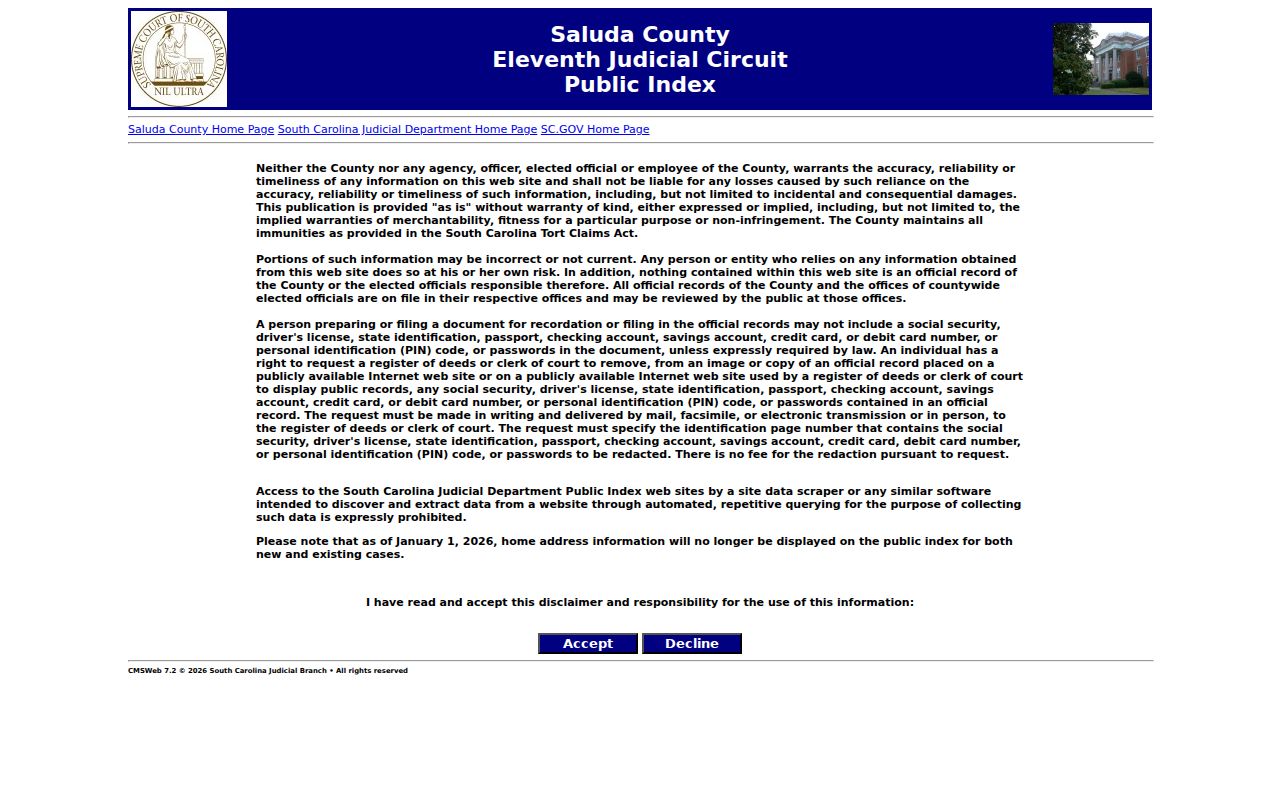
The court’s own clerk can explain which record types appear in the case index.
Saluda County Warrant Search Fields
There is no county warrant form with a verified set of name fields. The state Traffic Ticket Search is the only local public tool in the research with a confirmed field inventory, and it covers supported tickets rather than every warrant.
| Field Label | Type | Required | Notes |
|---|---|---|---|
| Citation Number | Text | Required in citation mode | Searches a supported traffic ticket. |
| Driver’s License and State | Text plus selector | Both required in this mode | Ticket lookup only, not a driving record. |
| First Name, Last Name, Date of Birth | Text and date | All required in name mode | Exact or partial-match behavior is not stated on the landing page. |
Saluda Traffic Search Fields Do Not Prove Warrant Status
The ticket tool offers three modes: citation number; driver’s license with state; or first name, last name, and date of birth. Its help sheet lists Saluda Municipal as supported. A result can help identify the ticket and court, but the tool does not promise to show a warrant or confirm a recall.
The Court Roster Search is another limited route. It lets users choose a county, city, or ZIP code and view available rosters, with cookies and JavaScript required. It is not a complete warrant list either.
See the state roster search for its county selector and Traffic Ticket Search help for the supported-court list.
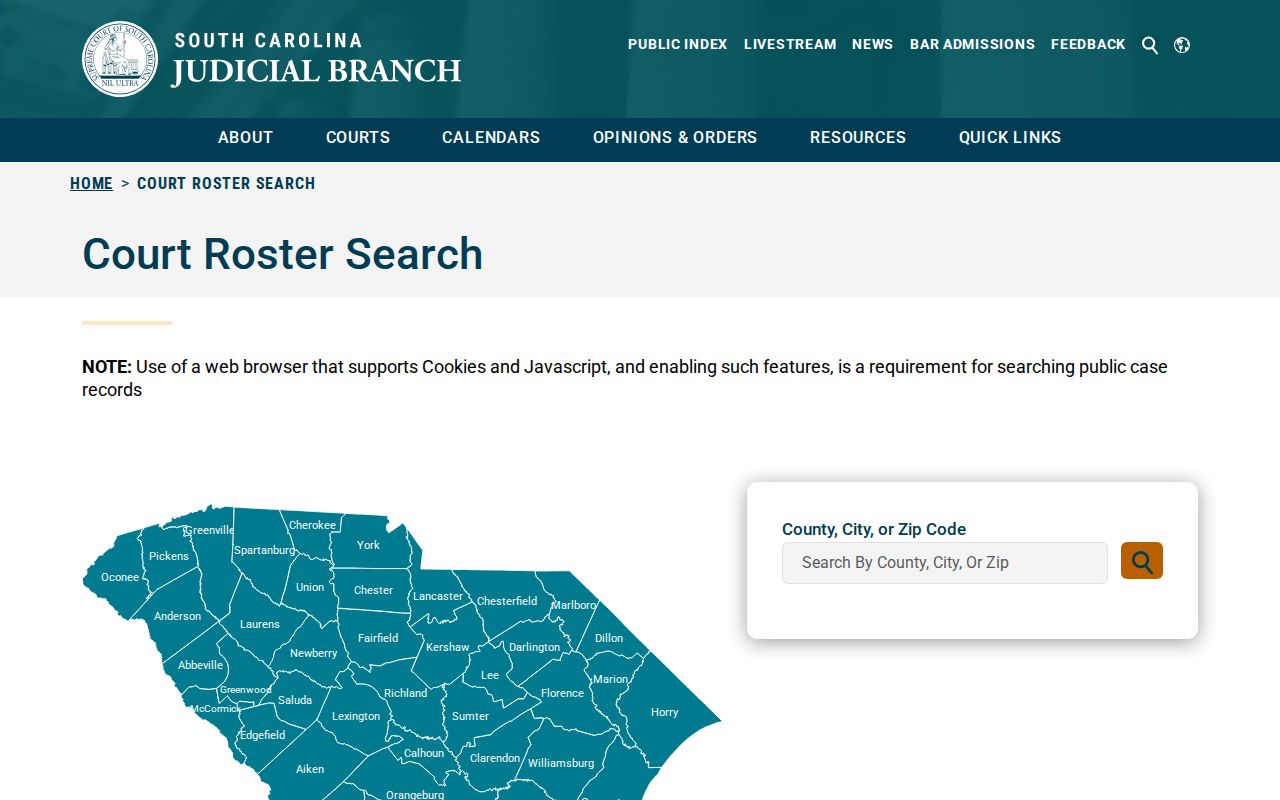
A roster can direct a reader to a court, while the issuing court still confirms warrant status.
What a Saluda County Warrant Search Returns
The Public Index and ticket tool return different slices of a case. Ask the court for the official warrant or process entry and the current status. Saluda research did not verify one standard local warrant number pattern or a public sheriff result card.
| Process number | Format not published; ask the court for the exact number. |
|---|---|
| Charge or matter | Use the official case, ticket, or order description. |
| Issuing court | Identifies the office that controls recall, reset, or bond. |
| Bond or hold | Confirm amount, conditions, and other holds with the court or jail. |
| Status | Ask whether the entry says served, unserved, recalled, or quashed. |
Saluda County Warrant Status Words Need Context
“Active,” “served,” “recalled,” “quashed,” and “closed” may describe different points in a case. A served warrant can lead to a new court date while the case stays open. An FTA notation does not by itself state what a judge later ordered.
- FTA
- Failure to appear for a required court setting.
- Recall
- Court action withdrawing the process.
- Return
- A record of service or an unsuccessful attempt to serve process.
- Bond hold
- A release restriction that may involve another court or agency.
Where Saluda County Warrants Are Checked
General Sessions and Family Court files begin with the Saluda County Clerk of Court. County summary criminal and traffic questions go to Central Court/Saluda Magistrate. Town ordinance and supported municipal traffic records go to Saluda Municipal Court. The Sheriff at (864) 445-2112 is the county law-enforcement contact for service questions; detention questions go to (864) 445-0286.
No South Carolina public database consolidates every court’s warrant records. SLED CATCH is a paid criminal-history search, not a warrant database. A federal case belongs in PACER or with the federal clerk, not the county Public Index.
A Blank Saluda Warrant Search Needs a Phone Call
If the Public Index shows nothing, first check whether the citation names Central Court, Saluda Municipal Court, Family Court, or General Sessions. Then call that office with the case identifier. If the court cannot answer service status, ask whether the Sheriff has received the process.
For a record held by a county department, submit a narrow written FOIA request using the county form. The county responds to requests for existing records, not requests to create a new roster or resolve a legal question. Court access may follow a separate clerk process.
The Saluda County FOIA page gives the form and policy. The Sheriff’s page provides the official phone route.
Saluda Warrant FOIA Requests Need a Target
County FOIA requests are for existing records held by a county department. The policy gives the County 10 business days to determine availability for records no more than 24 months old and 20 business days for older records. After that decision, production is due within 30 calendar days for newer records or 35 for older ones.
The minimum fee is $5, with additional copying and staff-time charges and a possible one-quarter deposit. Ask for a specific existing record from its likely holder; FOIA does not require staff to assemble a countywide live-warrant list or answer whether a court order remains active.
Access and Restricted Warrants
Public access has limits. South Carolina’s FOIA statute lists exemptions, and court files can also be sealed or restricted by court rule. Juvenile court and identifying law-enforcement records receive special protection. A warrant may not be released before service or may be withheld for another legal reason.
Key Rules:
South Carolina FOIA, S.C. Code §§ 30-4-10 et seq., permits access to public records subject to statutory exemptions.
Rule 10 governs public access and sensitive material in court indexes.
S.C. Code Title 63, Chapter 19, restricts juvenile court and identifying records.